
Adding and Removing Microsoft 365 Domain Administrators
This document explains how to use the Manifest service to add domain administrators for a given Microsoft 365 domain.
- Log into Manifest.
- Click on Groups I administer.
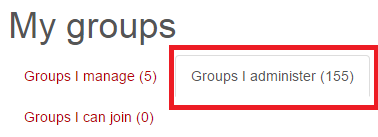
Note: sometimes the group will be in "Groups I manage"
- Navigate to the domain that you would like to edit and click "details".

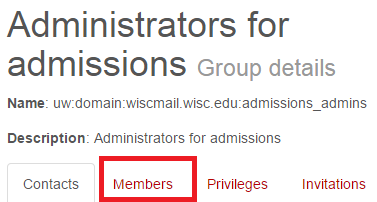
- On the Group Details page click on the "Members" tab.
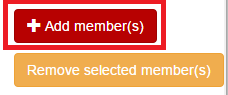
- Click the "Add Members" button.
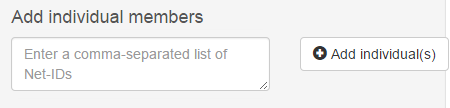
- Type the NetID(s) of the desired user(s) into the Add individuals members box. Click +Add Individuals
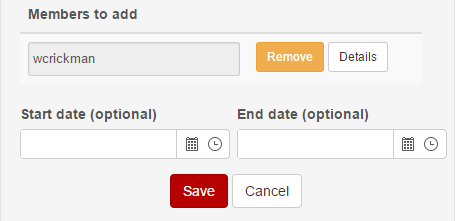
- The NetID(s) should now appear in the Members to add field. If everything is correct, click Save.
The added NetIDs should now be domain administrators.