
WiscVPN GlobalProtect (Android) - Installing
This document will show how to download WiscVPN using the Palo Alto GlobalProtect App available on Android devices.
-
Launch the Google Play Store on your device.

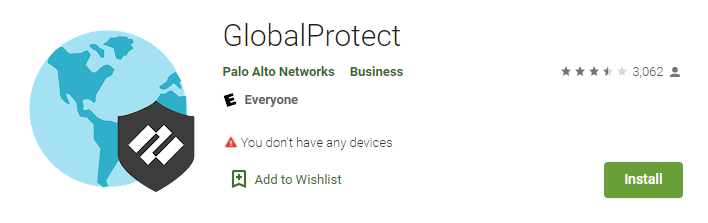
- Search for GlobalProtect.
- Tap Install.
Launch the Google Play Store on your device.