
Webex - Make Another Participant the Host and Leave Your Webex Personal Room Meeting
When the host of a Personal Room meeting leaves the room, the meeting ends for all participants. If you're the host and want to leave without ending the meeting, make another participant the host.
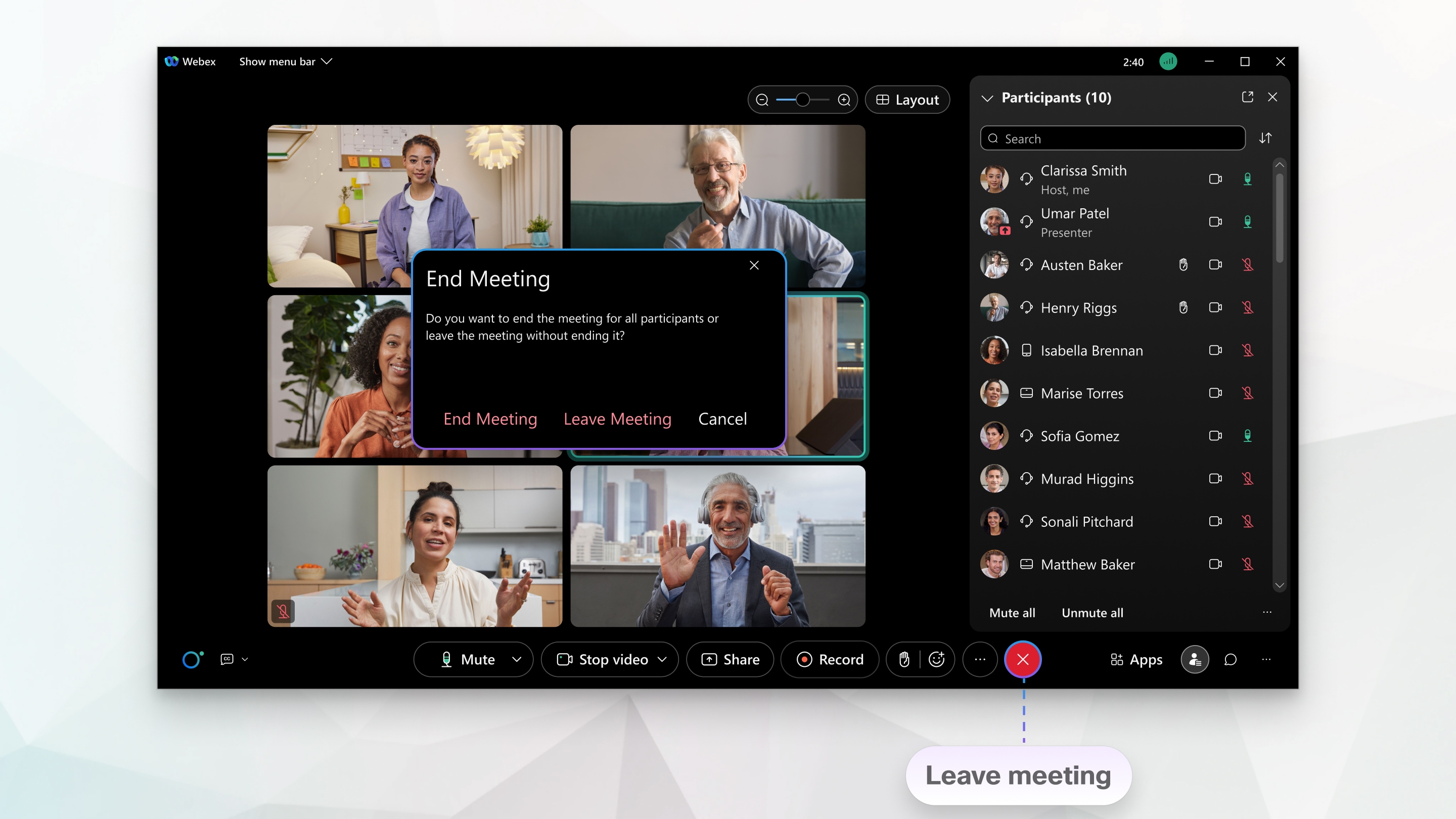
| 1 |
Select Leave |
|---|
 in the meeting controls, and then select Leave Meeting.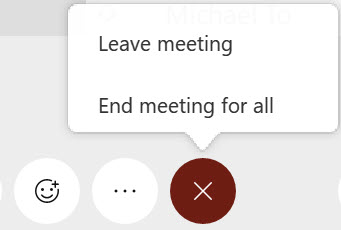
| 2 |
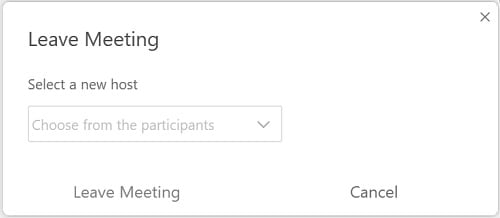
Choose a new host, and then select Leave Meeting. |
|---|
This is a Cisco product- for more information see https://help.webex.com