Windows - Determining Version
| Windows 9x/2000/XP/Vista UNSUPPORTED |
NOTE: Windows 95/98, Windows Me, Windows 2000, Windows XP, and Windows Vista are no longer supported by the Help Desk. We can only provide best effort support. If we are unable to resolve your Windows 9x/2000/XP/Vista issue, you may be able to find help in Microsoft's Knowledge Base. These products are no longer actively supported by Microsoft. No further development will take place on these products and security updates are no longer issued. It is highly recommended that you upgrade to Windows 10, 8, or 7. |
-
On your keyboard, press the Windows key (the Apple key on Mac's using Boot Camp) and R at the same time.
-
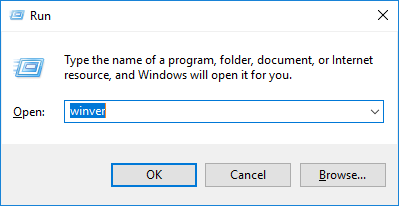
The Run window will appear. In the box next to Open:, type winver and then click OK.
-
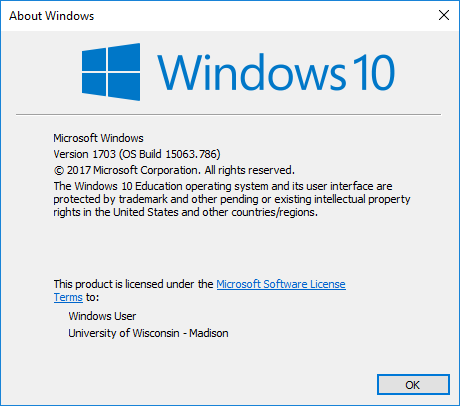
This will open About Windows which lists what version of Windows is installed. Below is an example from Windows 10.